
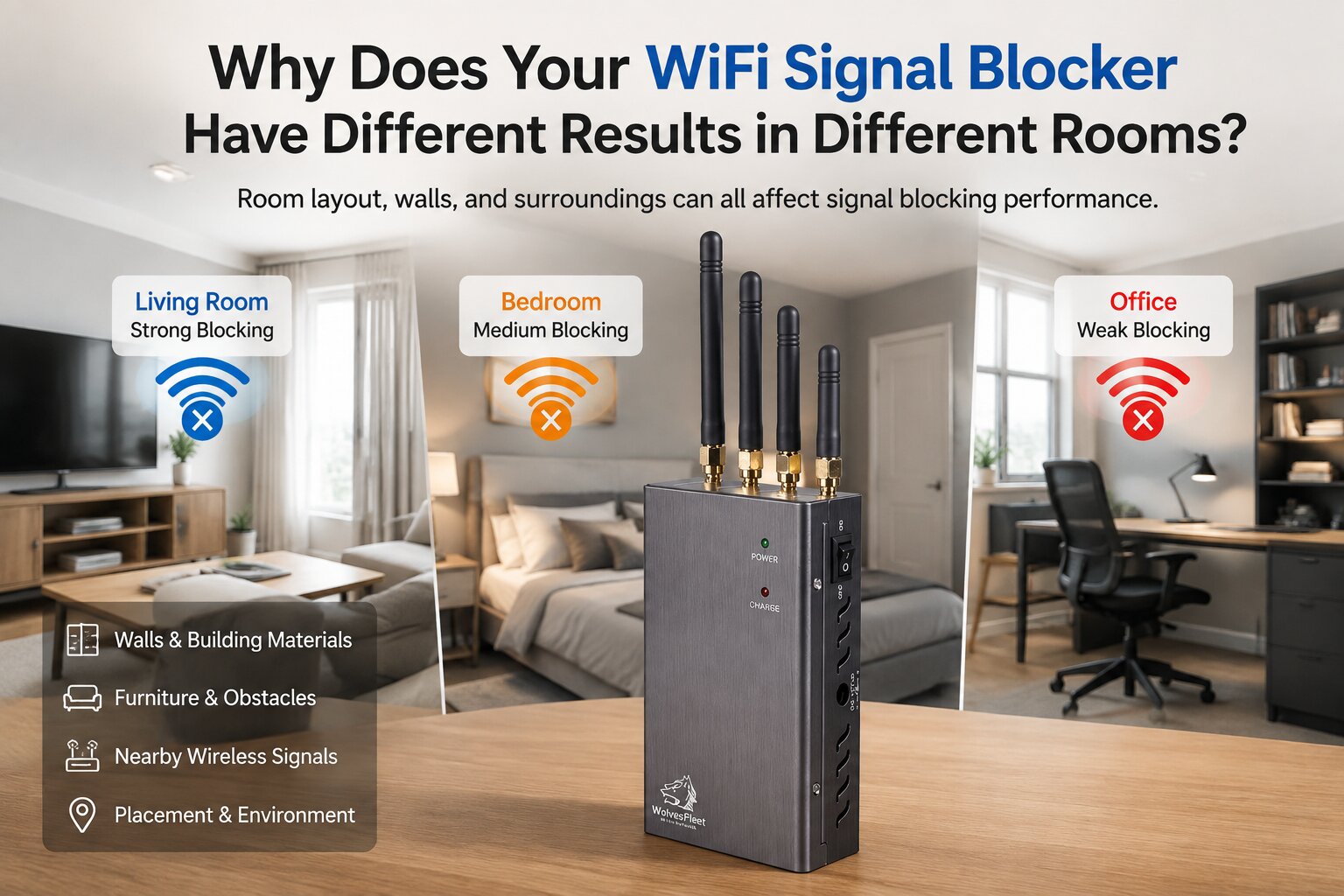
You place your WiFi jammers in the living room and notice a clear difference, but when you move to another room, the result seems weaker. Is the device losing power? Not necessarily.
Wireless signals do not travel through every space in the same way.
A signal traveling through an open living room does not face the same conditions as one passing through multiple walls, furniture, or enclosed spaces.
For example, a network blocker placed in a large open area may perform differently compared with the same device placed:
- Behind a large cabinet
- Inside a small room
- Near thick walls
- Between multiple rooms
The distance may look similar on paper, but the surrounding environment can make a noticeable difference.
Why Does a Wi-Fi Jammer Work Near the Router but Not in Another Room?
One common situation users notice is that a 5GHz wireless signal blocker works better when placed closer to the router or in the same room as the wireless equipment, but performance changes after moving it elsewhere.
This does not always mean the device has a problem.
The reason is that network signals are constantly interacting with their surroundings. A router in one room may have a clearer path, while another room may have:
- More physical barriers
- Different room shapes
- More electronic devices nearby
- More competing WiFi signals
A home is not a single wireless space. Each room creates its own environment.
Walls, doors, and building materials matter more than expected
A thin interior wall and a reinforced concrete wall do not create the same conditions. Materials used in homes, apartments, and offices can influence how wireless signals move through a space.
This is why users sometimes search for questions like:
Can a internet jammer work through walls?
Does wall thickness affect device that can shut down all data and Wi-Fi signals coverage?
Why is my WiFi device silencer weaker in another room?
The answer is that physical barriers can change the wireless environment.
A device that performs well in an open room may produce different results when separated by several walls or floors.
Everyday objects can affect your wireless environment
Most people think only about the router and the web signal jamming devices. However, many everyday objects around the room can also change the conditions.
Things like:
- Large metal furniture
- TV cabinets
- Appliances
- Office equipment
- Storage shelves
- Dense furniture arrangements
can create a different environment from one room to another.
For example, placing a wireless camera jammers behind a television cabinet because it looks tidy may not provide the same experience as placing it in a more open position.
Small changes in placement can sometimes make a bigger difference than users expect.
Common WiFi Signal Blocker Placement Mistakes
Many performance issues are actually caused by placement choices.
Here are some common mistakes:
Placing the device in a corner
Corners can limit how signals interact with the surrounding area. A more open location may provide more consistent results.
Hiding the device behind furniture
It is understandable that users want a cleaner setup, but large objects around the device can affect wireless performance.
Putting it too close to obstacles
Heavy furniture, metal surfaces, and enclosed spaces may create unwanted limitations.
Assuming one location works everywhere
A position that works well in the living room may not be the best choice for a bedroom or office.
The best placement often depends on the specific space.
There are actually many factors to consider:
Room structure
Placement location
Surrounding objects
Nearby wireless activity
…