

Choosing the right placement for exam room jammers is not just a technical detail—it directly determines whether the signal blocking is effective, consistent, and discreet. Poor installation can lead to dead zones, signal leakage, or even unintended interference outside the testing area. Below is a practical, field-tested guide to help you achieve reliable coverage without overcomplicating your setup.
Optimal Placement Strategies for Exam Room Jamming Device
Central Ceiling Installation for Even Signal Suppression
The most efficient location for exam room cell phone jammers is the geometric center of the classroom, ideally mounted on the ceiling. This position allows signals to radiate evenly in all directions, reducing the risk of weak spots in corners or behind obstacles.
Why it works: A centered, elevated device creates a symmetrical interference field, making it harder for mobile signals (4G, 5G, Wi-Fi, Bluetooth) to penetrate from any angle.
Tip: Avoid placing the jammer directly behind ceiling fans, lighting fixtures, or beams. Even minor obstructions can distort signal distribution.
High-Mounted Wall Placement (2.5–3m Height Range)
When ceiling installation is not feasible, mounting the Anti Cheating Signal Blocker high on a wall is the next best option. A height of approximately 2.5 to 3 meters ensures that the signal propagates downward effectively, minimizing interference caused by desks, chairs, and human bodies.
Key advantage: Elevated positioning reduces attenuation and improves penetration across seated exam candidates.
What to Avoid
- Metal window frames or HVAC ducts (they reflect signals unpredictably)
- Low-level installation near desks or floors
- Direct alignment with large electronic devices
Preventing Signal Leakage Beyond the Exam Room
One of the biggest mistakes with exam room mobile jammers is placing them too close to doors or windows. This can cause signal spillover into hallways or adjacent rooms.
Best practice:
- Maintain at least 1 meter distance from doors and windows
- Use curtains or partitions to reduce signal escape through glass surfaces
Result: You keep the interference contained while maintaining normal communication outside the exam zone.
Multi-Jammer Deployment for Large Examination Halls
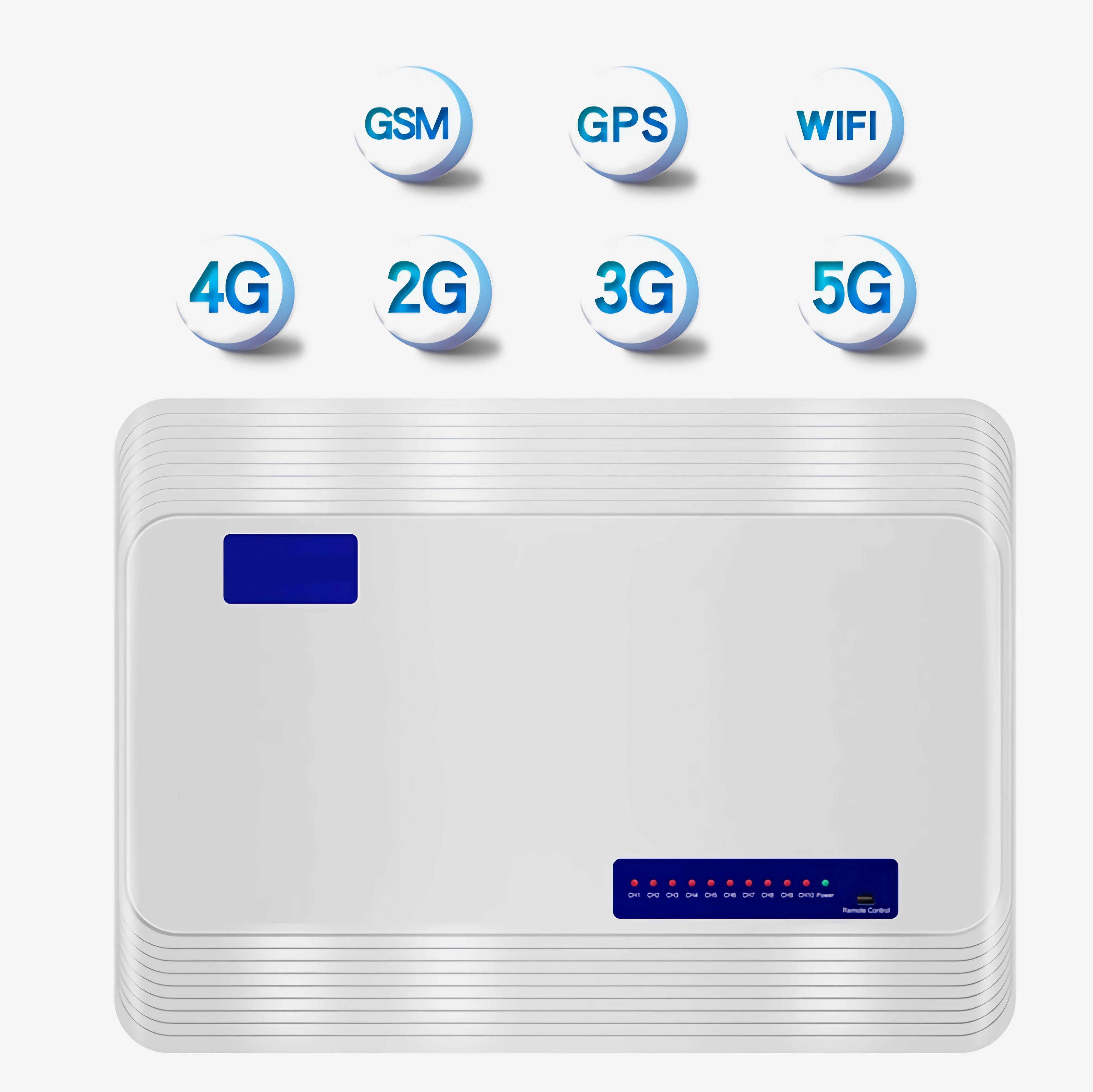
For rooms larger than ~80㎡ (lecture halls, auditoriums), a single unit is rarely sufficient. Instead, use a coordinated multi-device layout.
Recommended Layout: Diagonal Distribution
- Place jammers at opposite corners along a diagonal axis
- Maintain a spacing of 5–8 meters between units
- Ensure all devices are mounted at the same height
Why this matters: Overlapping coverage zones eliminate blind spots without causing destructive interference between devices.
Power Supply and Heat Management Considerations
Stable operation is just as important as correct placement. Even perfectly positioned exam room jamming devices can fail if power or cooling is neglected.
- Use nearby outlets to avoid voltage drop from long cables
- Ensure ventilation—never block cooling vents
- Install in airflow zones when possible (e.g., near ceiling circulation)
Avoiding Interference with Other Electronics
Keep a safe distance (at least 2 meters) from devices such as:
- Projectors
- Audio systems
- Wi-Fi routers
This reduces cross-interference and ensures the device performs consistently.
Pre-Exam Testing and Fine-Tuning
Even with ideal placement, real-world conditions vary. Always test before deployment.
Checklist:
- Turn on devices at least 1–2 hours before the exam
- Walk through the room using a smartphone
- Confirm “No Service” or extremely weak signal in all seating areas
If weak zones appear: Slightly tilt the jammer (15°–30°) toward the affected area or add a secondary unit.
Special Scenarios: Metal Structures and Multi-Floor Buildings
Metal-Heavy Classrooms
Steel frames and reinforced structures can reflect signals, creating uneven interference patterns.
Solution: Use multiple low-power units instead of a single high-power device for smoother distribution.
Stacked Exam Rooms (Multi-Level Buildings)
Signals can travel vertically, especially through less dense flooring.
Best approach:
- Stagger jammer device positions between floors
- Adjust power output to limit vertical overlap
Common Installation Mistakes to Avoid
- Installing cellular jammers at desk level or too close to individuals
- Overpowering small rooms (causes unnecessary external interference)
- Ignoring real-world testing before exams
Final Takeaway
The most effective setup for exam room signal jammers combines centralized elevation, controlled spacing, and real-world testing. A well-installed system creates a uniform signal-blocking environment inside the exam room—while remaining invisible outside it.
Smart placement doesn’t require more equipment—it requires better positioning.